
Table of Contents
ToggleBosch Home Connect turns a standard dishwasher into a smart appliance you can control from your phone, schedule remotely, and monitor in real time. If you’re upgrading your kitchen or replacing an old dishwasher, understanding how this Wi-Fi-enabled system works, and whether it’s worth the investment, can help you make a smarter purchase. This guide walks through setup, features, top models, and troubleshooting so you know exactly what you’re getting before you commit.
Key Takeaways
- Bosch Home Connect transforms your dishwasher into a smart appliance by connecting via 2.4 GHz Wi-Fi, enabling remote start, real-time monitoring, and push notifications through a smartphone app.
- Setup takes 10–15 minutes and requires a free Bosch account, but older models without embedded Wi-Fi hardware cannot be retrofitted with Home Connect functionality.
- Practical benefits include scheduling cycles during off-peak electricity hours, automatic detergent and rinse aid monitoring, energy consumption tracking, and access to downloadable specialty wash programs.
- Bosch Home Connect dishwashers range from the budget-friendly 300 Series ($750–$900) to the premium Benchmark Series ($2,000+), all sharing the same app and core smart features with differences in drying technology and noise levels.
- Common setup issues like Wi-Fi connectivity problems are usually resolved by enabling a dedicated 2.4 GHz network, as many modern routers default to 5 GHz, which the dishwasher cannot use.
- A Bosch Home Connect dishwasher is worth the $150–$300 premium over non-connected models if you have time-of-use electricity rates, frequently forget if you started the dishwasher, or plan to sell your home within 5–10 years as a smart home feature.
What Is Bosch Home Connect and How Does It Work?
Bosch Home Connect is a Wi-Fi-based smart home system that links compatible Bosch appliances to a smartphone app, allowing remote operation and status monitoring. The dishwasher connects to your home’s 2.4 GHz Wi-Fi network (not 5 GHz, this trips up many first-time users) and communicates with the Home Connect app available for iOS and Android.
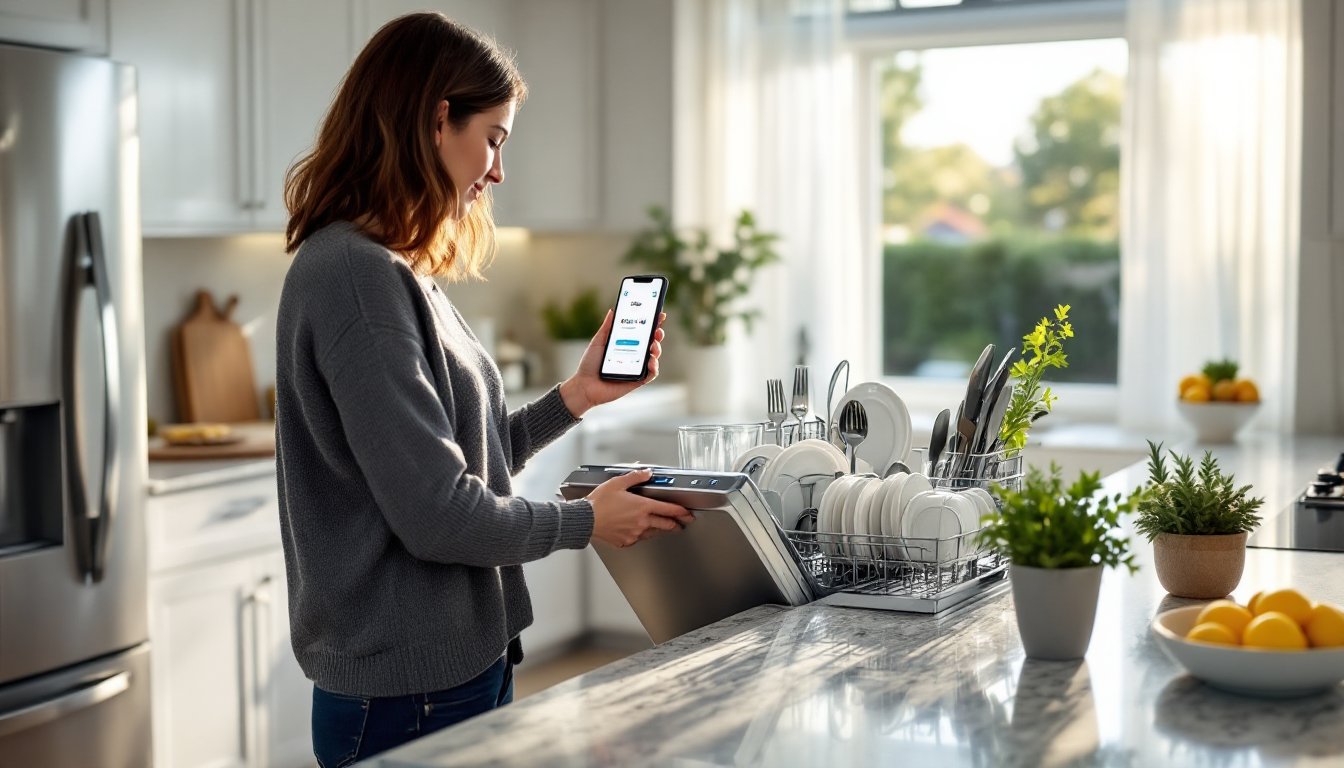
Once paired, the dishwasher sends push notifications when a cycle finishes, displays estimated time remaining, and lets you start, pause, or adjust settings remotely. The system also integrates with voice assistants like Amazon Alexa and Google Assistant, so you can start a wash cycle hands-free while prepping dinner.
The technology relies on embedded Wi-Fi modules built into the dishwasher’s control board. Older Bosch models without this hardware can’t be retrofitted, Home Connect is a factory feature, not an add-on. The app requires a free Bosch account and stays synced across multiple devices, so both you and your partner can manage the appliance from separate phones.
Home Connect works entirely over your local network and Bosch’s cloud servers. If your internet goes down, you can still operate the dishwasher manually using the front panel controls, but remote features won’t function until connectivity is restored.
Key Features and Benefits of Home Connect Dishwashers
Home Connect-enabled dishwashers offer several practical advantages beyond basic Wi-Fi connectivity. You can delay start times to take advantage of off-peak electricity rates, helpful if your utility charges time-of-use pricing. The app also stores custom cycle settings, so you can save a preferred combination of temperature, rinse aid level, and drying options without reprogramming each time.
The detergent and rinse aid monitoring feature estimates remaining supplies based on cycle count and alerts you when it’s time to refill. Some newer models (2025 and later) include dishwasher-specific diagnostics that flag issues like clogged spray arms or filter maintenance before they cause a breakdown.
Another standout: energy consumption tracking. The app logs water and electricity usage per cycle and displays monthly summaries. If you’re trying to reduce utility bills or qualify for energy-efficiency rebates, having detailed data helps.
You’ll also get access to downloadable specialty cycles. Bosch occasionally releases new wash programs through the app, like a “sanitize plus” mode or a quick rinse for baby bottles, that weren’t included at the time of purchase. It’s a form of future-proofing that extends the appliance’s capabilities without hardware changes.
Remote Control and Monitoring Capabilities
The core appeal of Home Connect is remote start and monitoring. You can load the dishwasher in the morning, leave for work, and start the cycle from your phone an hour before you get home so dishes are ready to unload when you walk in. This is especially useful if you have an open-plan kitchen and want to avoid cycle noise during dinner or TV time.
Push notifications keep you informed without checking the app constantly. You’ll get alerts when the cycle completes, if the door is left open, or if there’s a malfunction like a blocked drain. The app also displays real-time cycle progress, showing which phase the dishwasher is in (pre-wash, main wash, drying) and how many minutes remain.
One limitation: child lock and some safety interlocks prevent remote start on certain models unless you manually press a button on the control panel first. This is a safety feature to ensure no one accidentally starts the machine while it’s being loaded, but it does reduce convenience if you forget to enable remote mode before leaving the house.
Setting Up Your Bosch Home Connect Dishwasher
Setup takes about 10–15 minutes if your Wi-Fi network is stable and you follow the sequence correctly. Here’s the process:
- Download the Home Connect app and create a free Bosch account using your email address.
- Power on the dishwasher and ensure it’s within range of your 2.4 GHz Wi-Fi router. If you have a dual-band router, confirm the 2.4 GHz band is active and broadcasting.
- Activate pairing mode on the dishwasher. On most models, press and hold the “Remote Start” button (or a combination like “Start + Option” depending on the model) for 3–5 seconds until the Wi-Fi indicator light blinks.
- Open the app and tap “Add Appliance,” then select “Dishwasher” from the list. The app will scan for available devices.
- Connect to the dishwasher’s temporary network. Your phone will briefly join a Wi-Fi network named something like “HomeConnect_[serial number].” This step happens automatically on most phones, but older Android devices may require manual switching in Wi-Fi settings.
- Enter your home Wi-Fi password when prompted. The dishwasher will disconnect from the temporary network and join your main network.
- Name the appliance and assign it to a room (e.g., “Kitchen Dishwasher”). This matters if you plan to add other smart appliances later.
If pairing fails, power-cycle both the dishwasher and your router, then try again. Thick walls, metal appliances, or crowded Wi-Fi channels can cause connection issues. Consider moving your router closer or adding a mesh network node if the signal is weak in the kitchen.
Pro tip: Write down your dishwasher’s serial number and save it in the app. You’ll need it for warranty claims and tech support.
Top Bosch Home Connect Dishwasher Models to Consider
Bosch offers Home Connect across multiple series, each targeting different budgets and feature sets. Here’s what stands out in 2026:
Bosch 300 Series (SHE53C85N): The entry-level Home Connect option, starting around $750–$900 depending on retailer and region. You get basic remote start, cycle monitoring, and 46 dBA noise level, quiet enough for open kitchens. It lacks some premium features like adjustable third racks and specialized drying modes, but it’s reliable and qualifies for many utility rebates due to its Energy Star certification.
Bosch 500 Series (SHPM65Z55N): The sweet spot for most homeowners, priced $1,100–$1,400. This series includes AutoAir drying (the door pops open at the end of the cycle for better air circulation), a flexible third rack for utensils, and 44 dBA operation. The 500 Series offers strong overall cleaning performance and holds up well in long-term durability tests.
Bosch 800 Series (SHPM88Z75N): Premium tier at $1,500–$1,900. You get CrystalDry technology (uses zeolite minerals to absorb moisture for superior drying), MyWay third rack (splits down the middle for tall items), and 42 dBA noise level. If you regularly wash plastics or need whisper-quiet operation, the upgrade is justified. This series also includes more custom cycle options and faster wash times on Express modes.
Bosch Benchmark Series (SHE89PW75N): Top-of-the-line at $2,000+, with stainless steel interiors, enhanced spray arms, and 39 dBA operation, the quietest dishwashers on the market. It’s overkill for most households, but if you’re doing a full kitchen remodel and want appliances that last 15+ years, the Benchmark series delivers.
All models share the same Home Connect app and core smart features. The price difference comes down to rack flexibility, drying performance, and noise levels.
Troubleshooting Common Home Connect Issues
Even with proper setup, you’ll occasionally run into connectivity hiccups. Here’s how to fix the most common problems:
Dishwasher won’t connect to Wi-Fi: First, confirm your router is broadcasting a 2.4 GHz network. Many modern routers default to 5 GHz only or use automatic band steering that forces devices to 5 GHz. Log into your router settings and either enable a dedicated 2.4 GHz SSID or disable band steering temporarily during setup.
Remote start is grayed out in the app: Check if the dishwasher door is fully closed and the “Remote Start” button on the control panel is lit. Some models require you to enable remote mode manually by pressing this button after loading dishes. If it’s still unavailable, restart the app and confirm the dishwasher is online (Wi-Fi indicator should be solid, not blinking).
App shows “Appliance Offline”: This usually means the dishwasher lost its Wi-Fi connection. Power-cycle the unit by flipping the breaker or unplugging it for 30 seconds, then turning it back on. If the problem persists, check if your router’s DHCP lease expired or if a firmware update changed network settings. Reassign a static IP to the dishwasher in your router’s admin panel if you have frequent drop-offs.
Push notifications aren’t working: Open your phone’s settings and confirm the Home Connect app has notification permissions enabled. On iOS, also check that Background App Refresh is on. Android users should verify the app isn’t being killed by battery optimization, add it to the exception list in your phone’s battery settings.
Cycle times displayed in the app don’t match reality: Home Connect estimates cycle duration based on average conditions, but heavy soil loads or cold water supply can extend wash times. The app updates the estimate as the cycle progresses, so give it 10–15 minutes to recalculate. This is normal behavior, not a bug.
If you’re troubleshooting persistent issues, consult guides from home tech experts who regularly cover smart appliance connectivity or reach out to Bosch support with your model number and error codes from the app.
Is a Bosch Home Connect Dishwasher Worth It for Your Home?
Whether Home Connect justifies the cost depends on your household routine and how much you value remote control features. If you run your dishwasher on a predictable schedule and you’re home to start it manually, the smart features won’t change your life. You’re paying an extra $150–$300 over comparable non-connected models, which might be better spent on a higher-performing drying system or quieter operation.
But if you have time-of-use electricity rates, want to delay cycles until off-peak hours, or frequently forget whether you started the dishwasher before leaving the house, Home Connect offers real convenience. The energy tracking and detergent monitoring are nice-to-haves but not game-changers.
One overlooked benefit: resale value. Smart appliances are increasingly expected in mid-to-upper-tier homes, and having Wi-Fi-enabled appliances can be a selling point if you list your home in the next 5–10 years. Buyers shopping in the $400K+ range often filter for smart home features, and a connected dishwasher checks that box without major investment.
The technology is mature and reliable in 2026. Early Home Connect models (2018–2020) had connectivity bugs, but current-gen units are stable, and the app receives regular updates. You’re not beta-testing unfinished software.
Bottom line: If you’re already buying a Bosch dishwasher in the 300, 500, or 800 series and the Home Connect-enabled version is within $200 of the non-connected model, go for it. The convenience and future-proofing outweigh the modest upcharge. If you’re stretching your budget or indifferent to smart features, save the money and put it toward better sound insulation or extended warranty coverage.
And as with any appliance purchase, check recommendations from trusted consumer testing labs that evaluate long-term reliability and real-world cleaning performance before committing to a specific model.