
Table of Contents
ToggleSetting up a home theater doesn’t mean you need to hire an A/V installer or run cables through finished walls. LG’s current lineup of home theater systems offers solid options for DIYers looking to upgrade from TV speakers without tearing into drywall. Whether you’re working with a compact apartment or a dedicated media room, understanding what each system type delivers, and where it falls short, helps you avoid buyer’s remorse. This guide walks through LG’s home theater offerings, installation basics, and the practical decisions that affect both sound quality and budget.
Key Takeaways
- LG home theater systems simplify DIY installation with wireless rear speakers and tight TV integration via HDMI eARC, eliminating the need to run cables through walls.
- Choose between soundbars for compact spaces (best for apartments and rentals) or component systems for rooms over 350 square feet where discrete speaker placement delivers superior imaging and clarity.
- Prioritize HDMI eARC connectivity, Dolby Atmos decoding, and RMS wattage specifications—not peak watts—when evaluating an LG home theater system for your room size.
- Proper speaker placement, especially rear satellites at ear height 2-3 feet behind seating and subwoofers 12 inches from walls, dramatically impacts sound quality more than hardware alone.
- Run calibration routines from your primary listening position, disable unnecessary audio processing, and use the subwoofer crawl technique to find optimal bass placement for room acoustics.
- Budget for quality HDMI cables and acoustic treatment (rugs, curtains, or panels) to complete your LG home theater setup and maximize dialogue clarity and dynamic range.
What Makes LG Home Theater Systems Stand Out?
LG competes in the home audio market with a clear focus: simplified installation paired with feature-rich software. Their systems integrate tightly with LG TVs through HDMI eARC and often include Dolby Atmos processing, which simulates overhead sound without ceiling-mounted speakers.
Most LG packages use wireless rear speakers, eliminating the need to fish speaker wire through walls. The subwoofers connect via proprietary wireless protocols, typically a dedicated 5 GHz band separate from your home Wi-Fi. This reduces dropouts but means you can’t mix-and-match components from other brands without losing wireless capability.
LG’s AI Sound Pro feature analyzes incoming audio and adjusts EQ in real time. It works well for streaming content with inconsistent audio levels but can oversaturate dialogue in poorly mixed shows. You’ll want manual EQ control for critical listening.
Build quality sits in the mid-range. Cabinets are typically MDF wrapped in fabric or synthetic finishes, not solid wood. Drivers are adequate for movie watching but won’t satisfy audiophiles chasing reference-grade accuracy. For DIY home theater builders, LG systems offer a known quantity: predictable performance, broad compatibility, and minimal custom configuration.
Types of LG Home Theater Systems for Different Spaces
LG markets two main categories: all-in-one soundbars and component surround packages. Each serves different room layouts and acoustic challenges.
Soundbars vs. Complete Surround Sound Packages
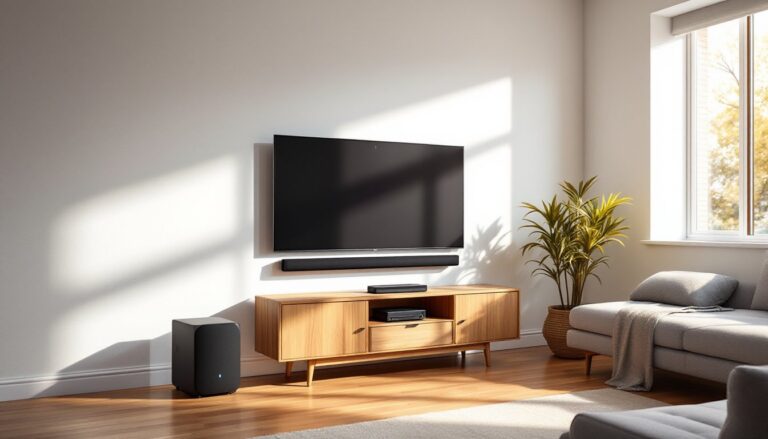
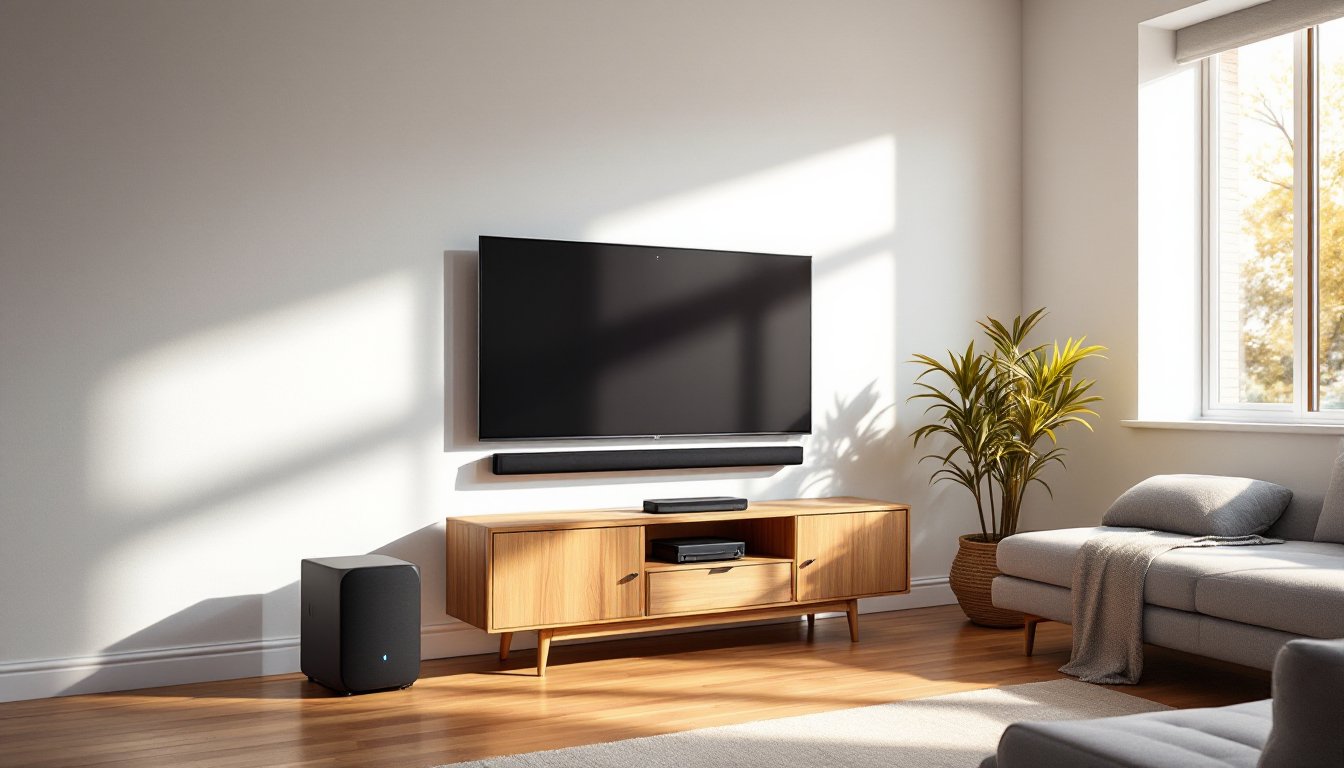
Soundbars mount directly below or in front of your TV. LG’s mid-to-high-tier models include a separate subwoofer and wireless rear satellites, creating a 5.1 or 7.1 channel setup. Expect a soundbar width of 48 to 57 inches to match modern 65″+ TVs. Depth runs about 2.5 to 4 inches, which fits on most media console tops without blocking IR sensors.
Soundbars work best in rooms where running discrete speaker wire isn’t practical, apartments, rentals, or spaces with concrete walls. They won’t match the imaging precision of bookshelf speakers on stands, but they significantly outperform built-in TV audio.
Component packages include a dedicated AV receiver, passive speakers, and a powered subwoofer. LG’s offerings here are less common than their soundbar lineup: most shoppers looking for separates go with Denon, Yamaha, or Onkyo receivers paired with third-party speakers. If you’re set on an LG receiver, verify it supports 4K/120Hz passthrough and HDMI 2.1 for gaming consoles.
Component systems require more planning. You’ll mount or position five to seven speakers, run 16-gauge speaker wire (minimum) to each, and possibly install wall plates for a clean finish. This approach offers superior channel separation and upgrade flexibility but demands more labor and wall patching if you relocate speakers later.
Key Features to Look for in an LG Home Theater System
Prioritize HDMI eARC (enhanced Audio Return Channel) over optical connections. eARC carries lossless Dolby Atmos and DTS:X streams: optical tops out at compressed 5.1. Verify your TV supports eARC, older models with standard ARC can’t pass through high-bitrate audio.
Dolby Atmos decoding is standard on most 2024+ LG soundbars, but upward-firing drivers that bounce sound off the ceiling only work in rooms with flat, hard ceilings 8 to 10 feet high. Vaulted or textured ceilings scatter reflections. If your room doesn’t fit that profile, a traditional 5.1 or 7.1 configuration often sounds more cohesive.
Wireless subwoofers simplify placement, position them within 30 feet of the main unit for reliable connection. For home improvement enthusiasts looking to integrate smart systems, many current LG models support Google Assistant and Alexa voice control, though reliability depends on network stability.
Check power output specs carefully. Manufacturers list peak wattage, which is marketing-friendly but not meaningful. Look for RMS (continuous) wattage per channel. A 5.1 soundbar rated at 400W RMS total might deliver 50W per satellite and 100W to the subwoofer, adequate for a 200-square-foot room, marginal for larger spaces.
Don’t overlook connectivity. USB ports for firmware updates, multiple HDMI inputs (so you’re not swapping cables between Blu-ray and game console), and Bluetooth 5.0+ for music streaming all matter in daily use.
Setting Up Your LG Home Theater System: A DIY Installation Guide
Tools you’ll need:
- Stud finder (magnetic or electronic)
- Level (24-inch torpedo level works for soundbar mounting)
- Drill/driver with Phillips and masonry bits
- Tape measure
- Wire strippers (if running speaker cable for component systems)
- Cable ties or conduit for wire management
Safety note: If mounting speakers above head height, use wall anchors rated for 3x the speaker weight. Drywall anchors alone won’t support a 15-pound speaker long-term. Toggle bolts or screws into studs are non-negotiable.
Step-by-step for soundbar installation:
-
Position the soundbar. Center it below the TV, ideally with the top edge of the bar no more than 4 inches below the bottom of the screen. This keeps dialogue height realistic.
-
Wall-mount or shelf-place. Wall brackets (usually included) attach to studs 16 or 24 inches on center. If studs don’t align, use toggle bolts rated for 50 pounds each. For shelf placement, ensure the surface is level and won’t vibrate at high volume.
-
Connect the HDMI cable. Run an HDMI 2.1-certified cable from the soundbar’s HDMI OUT (eARC) port to your TV’s eARC-labeled HDMI input. Cheap cables cause handshake issues: invest in a certified brand.
-
Place the subwoofer. Corner placement increases bass output but can cause boominess. Start 12 inches from a wall, away from corners, and adjust by ear. The wireless module pairs automatically on first power-up.
-
Position rear satellites. Place them 2 to 3 feet behind and to the sides of the main seating position, at ear height (about 42 inches off the floor for seated listeners). Avoid placing them directly against walls, leave 6 to 12 inches of clearance for better dispersion.
-
Run the calibration routine. LG systems often include auto-calibration via a setup mic or the remote. Run this after all speakers are positioned. It adjusts levels and delays for your room’s acoustics.
For component systems with an AV receiver, label every cable as you go. Speaker wire polarity matters, stripe or text markings indicate positive. Reversing polarity on one speaker causes phase cancellation and weak bass. Terminate connections with banana plugs or spade connectors for solid contact: bare wire loosens over time.
How to Choose the Right LG System for Your Room Size and Budget
Room volume dictates system requirements. Calculate your space in cubic feet (length × width × ceiling height). A 12×15-foot room with 8-foot ceilings (1,440 cubic feet) needs roughly 300 to 400 watts RMS total for satisfying volume without distortion.
For rooms under 200 square feet, a 3.1 or 5.1 soundbar delivers noticeable improvement over TV speakers without overwhelming the space. These systems typically run $300 to $600 for mid-tier models.
Rooms 200 to 350 square feet benefit from 5.1 or 7.1 configurations with discrete rear channels. Budget $500 to $1,200 depending on whether you want Dolby Atmos upfiring drivers. The popular 9.1.5-channel Dolby Atmos setups offer impressive immersion in properly treated rooms but lose impact in spaces with poor acoustics.
Rooms over 350 square feet or open-concept layouts often need component systems with higher-wattage receivers and larger speakers. Soundbars struggle to project clear dialogue across 20+ feet. Expect to spend $1,000+ for separates that adequately fill larger spaces.
Budget considerations go beyond the initial purchase. Add $50 to $150 for quality HDMI cables, wall mounts, and wire management supplies. If you’re mounting speakers on walls without accessible studs, wall repair materials (spackle, paint, sandpaper) add another $20 to $40.
Don’t buy more channels than your content supports. Most streaming services max out at Dolby Digital Plus 5.1: only premium tiers on Netflix, Disney+, and Apple TV+ stream Atmos. Blu-ray discs offer the best audio quality if you’re chasing reference-grade sound.
Optimizing Sound Quality and Performance After Installation
Initial setup gets you 80% of the way there. Fine-tuning extracts the rest.
Run the calibration mic from the primary listening position, not the center of the room. The system optimizes for that spot. If multiple people watch regularly, run calibration from a central seat in the main viewing row.
Disable unnecessary processing. Features like virtual surround, dynamic volume compression, and night modes reduce dynamic range. They’re useful for late-night viewing but degrade fidelity during critical listening.
According to smart home testing by technology reviewers, speaker placement affects frequency response as much as the hardware itself. Experiment with subwoofer positioning using the “subwoofer crawl”: place the sub in your listening position, play bass-heavy content, and crawl around the room’s perimeter to find where bass sounds tightest and most even. Move the sub to that spot.
Acoustic treatment matters. Large bare walls create reflections that muddy dialogue. Adding a thick rug, curtains, or a few strategically placed acoustic panels improves clarity. You don’t need a dedicated theater, small changes make audible differences.
Check for firmware updates quarterly. LG releases patches that fix HDMI handshake bugs, improve wireless stability, and occasionally add features. Updates install via USB or the LG app.
Many hands-on workshop guides recommend testing your system with a variety of content types, dialogue-heavy dramas, action films with layered soundtracks, and music with clear instrumentation, to identify weak points. If dialogue sounds muffled, boost the center channel by 2 to 3 dB. If bass overwhelms the mix, reduce the subwoofer level or move it farther from walls.
Adjust crossover settings if your system allows. 80 Hz is a safe starting point: it sends frequencies below that to the subwoofer and higher frequencies to the main speakers. Smaller speakers may need a 100 to 120 Hz crossover to avoid distortion at high volumes.